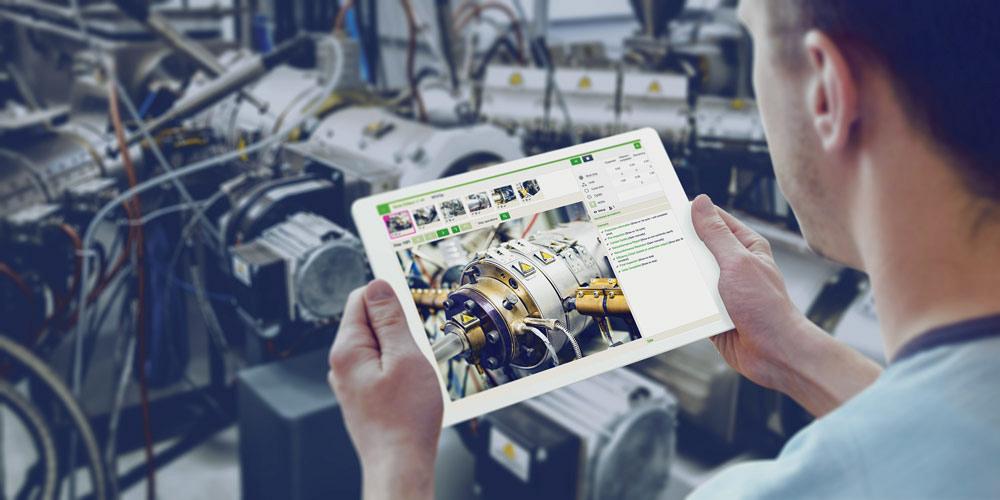
Visual work instructions software replaces paper SOPs with on-screen, image-led guidance at the workstation. In high-mix assembly, where operators switch between many products a day, paper cannot keep up and errors climb at every changeover. Digital work instructions reduce that error by showing the right step, for the right product, at the right moment, without an operator hunting for the correct binder.
What is visual work instructions software?
The software delivers step-by-step assembly guidance through images, video and prompts on a screen at the workstation. It replaces static paper SOPs with dynamic instructions that change automatically with the product being built.
The shift from paper to screen matters most in high-mix work. Digital work instructions update instantly when the product changes, so an operator never works from the wrong revision, which is a common and expensive paper-SOP failure that quality teams spend hours chasing after the fact.
Why does high-mix assembly need digital work instructions?
High-mix assembly needs digital work instructions because frequent product changeovers multiply the chance of using the wrong procedure. Visual, product-aware guidance removes that risk and shortens the time a new operator needs to reach full speed.
Shigeo Shingo’s error-proofing principles apply directly: prevent the mistake at the point of work. Using visual work instructions software enforces the correct sequence at the station, which is more reliable than expecting operators to track revisions across dozens of paper documents that drift out of date the moment engineering changes a part.
Ramp time is the second payoff. A new operator on a high-mix line faces a steep learning curve across many variants. Step-by-step visual guidance lets them learn by doing, which compresses the weeks of supervised work that paper SOPs usually demand.
What features matter most in this software?
The features that matter most are automatic product-based instruction switching, image and video steps, version control, and verification that each step was completed. Together these cut errors at changeover and create a record of what was actually done.
Verification is the feature buyers underrate. Pairing digital work instructions with step confirmation turns guidance into proof, which supports both quality and traceability without adding paperwork. Without verification, the software shows the right step but cannot confirm it happened.
How do you evaluate vendors?
Evaluate vendors on how quickly instructions switch by product, how easily content is authored and updated, and whether step verification is built in. The right tool fits high-mix reality, where products and revisions change constantly and authoring speed decides whether content stays current.
Content authoring is where many deployments quietly fail. If building and updating instructions needs specialist help, the library falls behind every engineering change, so a tool whose content a line engineer can update in minutes is far more likely to stay current and trusted.
Integration with quality records multiplies the value. When step confirmations flow into the plant’s quality system, each unit carries a verified build history, which speeds traceability investigations and supports the documentation customers increasingly demand from their suppliers.
Authoring effort is the quiet deciding factor, because instructions nobody can keep updated are worse than useful. To see the software running on a high-mix line, book a demo at jidoka-tech.ai/contact-us.
Frequently Asked Questions
How does visual work instructions software reduce operator ramp time?
It shows each step visually and in sequence, so new operators learn by doing rather than memorising paper SOPs. This shortens the time to reach full productivity, especially across many product variants on a high-mix line.
Can digital work instructions enforce the correct build sequence?
Yes. Software can require each step to be confirmed before the next appears, which enforces sequence and prevents the skipped or out-of-order steps that cause assembly defects.
