Most people buy a television first and treat the stand as an afterthought, then spend years annoyed by the result. The cables spill over the back, the game console sits on the floor, the soundbar does not fit, and the screen ends up at a height that leaves everyone craning their necks. A TV stand is really the organizing system for the busiest corner of the living room, and getting it right is a matter of a few measurements and an honest inventory of what needs to live there. This guide covers viewing height, storage that actually works, the materials that suit different households, and the small details that keep the area tidy once the novelty of the new screen wears off.
Start With the Screen and the Sightline
The first decision is where the viewer’s eye should land. For a typical living room, the center of the screen should sit roughly at eye level when seated, which usually means the stand is lower than people expect. A stand that is too tall forces the neck upward; one that is too low makes the screen feel distant and small. Measure the height of your sofa seat, then estimate eye level, and work backward to the stand’s top surface.
Getting the Height Right
A practical approach is to sit where you normally watch, hold a tape measure at eye level, and mark that height on the wall. The center of the television should align with that mark, so the stand height depends on the screen size and its mounting pattern. Larger screens need a lower stand to keep the center of the panel at eye level, while a small bedroom set can sit higher. Also account for the soundbar: if it will sit in front of the screen, it raises the effective viewing height, so choose a stand with a shelf or top surface that keeps the audio below the panel rather than blocking it.
Width, Depth, and the Wall
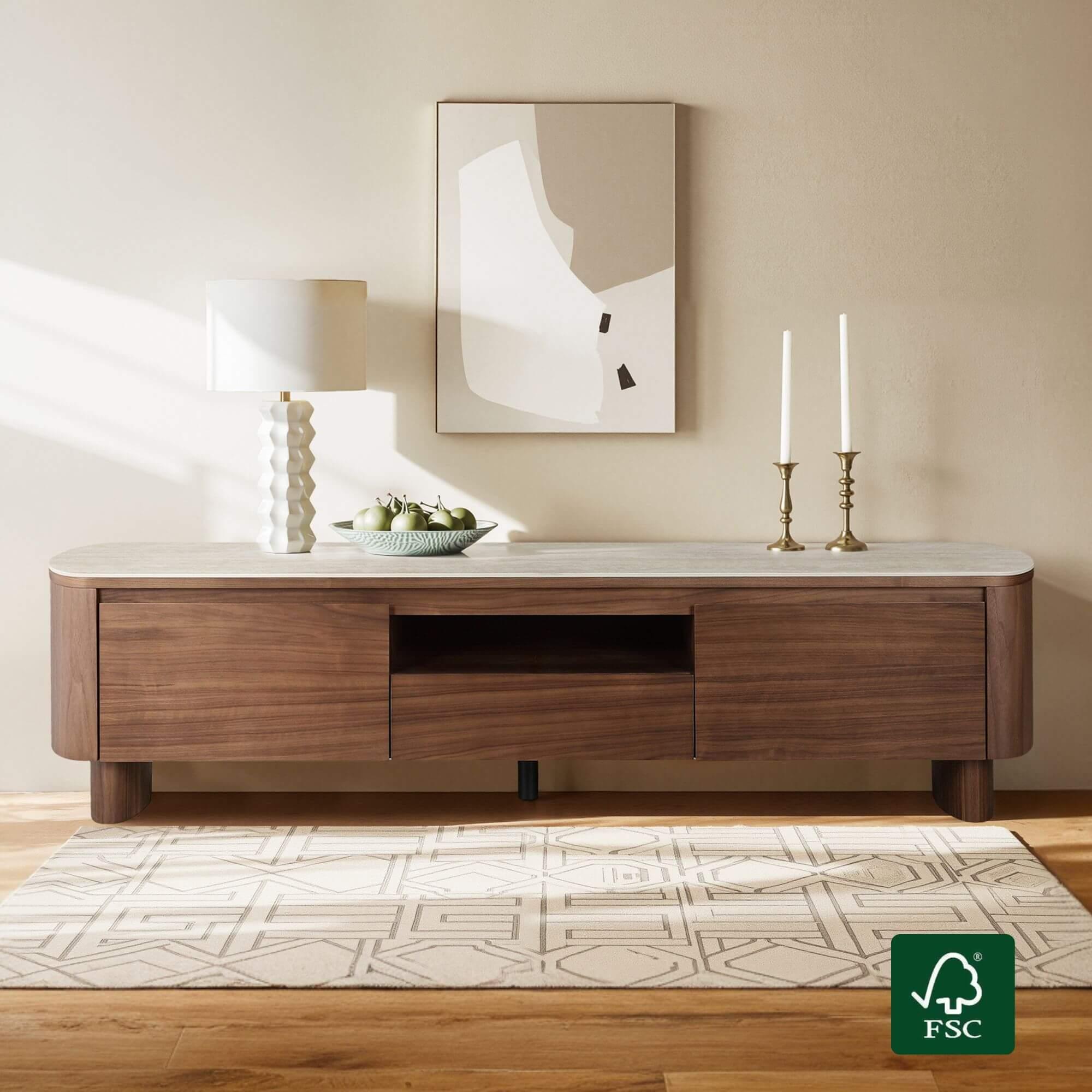
The stand should be at least as wide as the television to avoid a top-heavy look, and a little wider is usually better for visual balance. Depth matters more than most shoppers realize: a deep stand pushes the screen away from the wall and eats floor space, while a shallow one may not hold a receiver or console. Measure the depth of the largest device that will sit on it and add a couple of inches for ventilation and cables. If the stand will sit in a corner or beside a doorway, check the walking clearance before buying. A long, low media console can make a narrow room feel wider, while a tall cabinet can make a small room feel cramped even if it holds more.
Storage That Matches What You Own
Before choosing shelves and drawers, take everything that currently lives near the television and put it on the floor. Count the game consoles, the streaming boxes, the remotes, the controllers, the router, the spare cables, and the stack of cases. That pile is the real brief for the stand. Buying storage for an imagined collection usually results in a piece with empty drawers and a floor covered in things that had nowhere else to go.
Open Shelves Versus Closed Cabinets
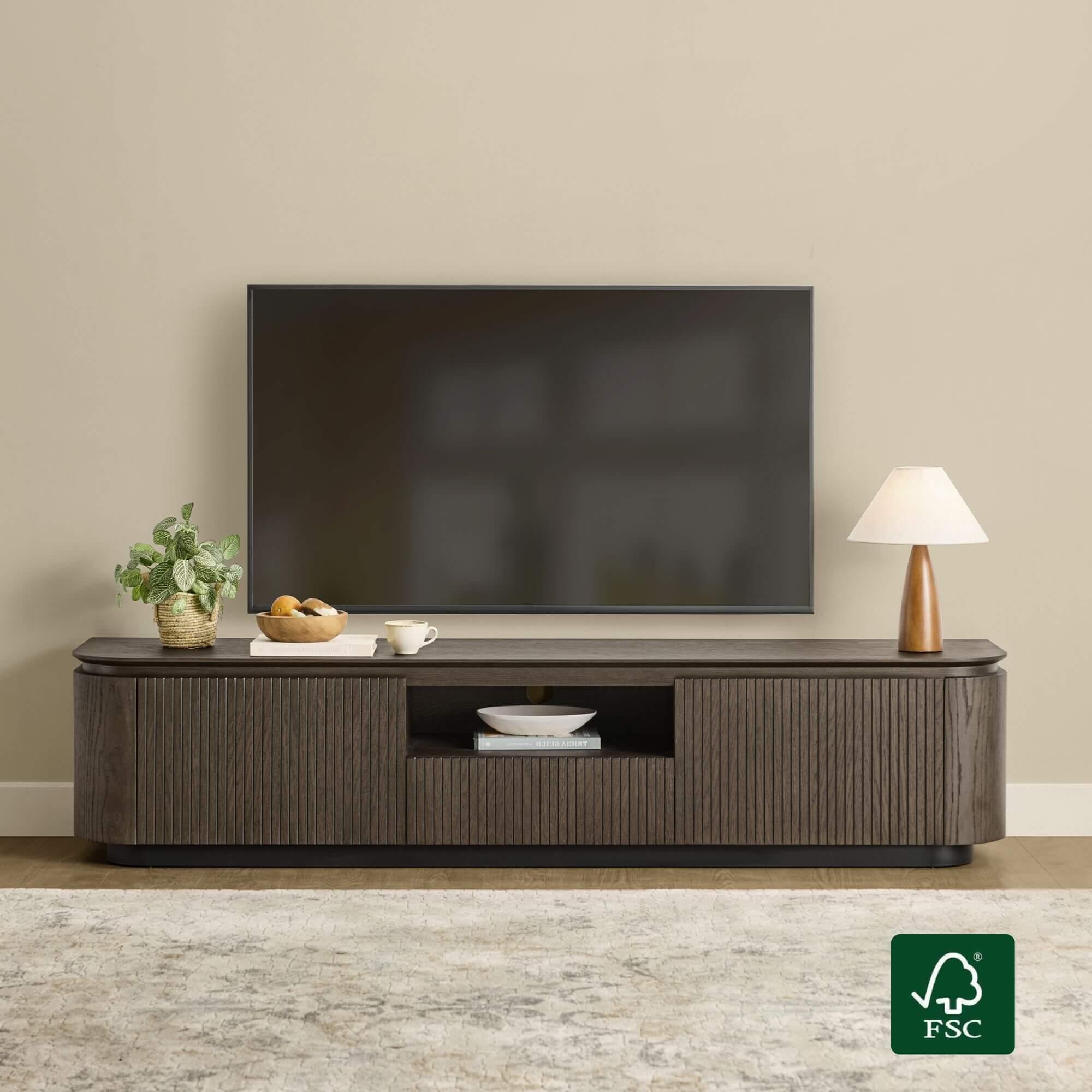
Open shelves suit devices that need airflow and remote signals, such as receivers, routers, and consoles that run warm. They also make it easy to grab a controller or swap a cable. The trade-off is visual clutter, because every device and wire is on display. Closed cabinets hide the mess but can trap heat and block infrared remotes unless they have vents or glass doors. A mixed design, with open bays for active electronics and drawers for remotes, batteries, and paperwork, tends to serve a real living room best. Look for adjustable shelving so a taller device can be accommodated later without buying a new stand.
Cable Management and Ventilation
The back panel is where most stands succeed or fail. Cutouts or grommets let cables pass through without pinching, and a removable back panel makes it far easier to add a device after the stand is in place. Leave several inches of clearance above any device that generates heat, and avoid stacking a console directly on top of a receiver. A small cable tray or a bundle of hook-and-loop ties keeps the wires from sagging behind the stand where dust collects. If the stand has no built-in management, a simple basket behind it can hide the power strip and excess cable without drilling anything. These details are invisible in product photos but make the difference between a tidy corner and a permanent tangle.
Materials, Style, and Daily Life
A TV stand takes more abuse than most furniture. It holds weight, absorbs bumps from vacuum cleaners, and often doubles as a footrest or a landing spot for drinks. Solid wood and wood veneer over engineered panels are the practical choices: both hold screws well and resist the slow sag that affects thin particleboard shelves under the weight of electronics. Metal frames add rigidity and suit open, modern designs, while glass shelves look light but show dust and fingerprints quickly. If the household includes children or pets, choose a stand with rounded corners, a stable base, and a finish that wipes clean.
Style should follow the room rather than fight it. A low console with tapered legs suits a mid-century interior, while a painted cabinet with doors reads more traditional. Floating or wall-mounted units save floor space in small rooms but require secure anchoring into studs. Color is worth considering carefully: a stand that matches the wall recedes, while a contrasting wood tone can become a feature. Brands such as CHITA LIVING offer stands that pair storage with a low, wide profile, which helps keep the screen at a comfortable height while giving devices a proper home.
Renting, Moving, and Future-Proofing
Not every TV stand stays in the same room forever. Renters need pieces that can move between apartments without falling apart, which favors frames that assemble with accessible bolts rather than glued joints. A flat-pack design that can be disassembled is easier to carry through a narrow hallway and up a flight of stairs. If a move is likely, keep the original hardware in a labeled bag and avoid over-tightening screws, which crushes the panel material and makes them loosen on the second assembly.
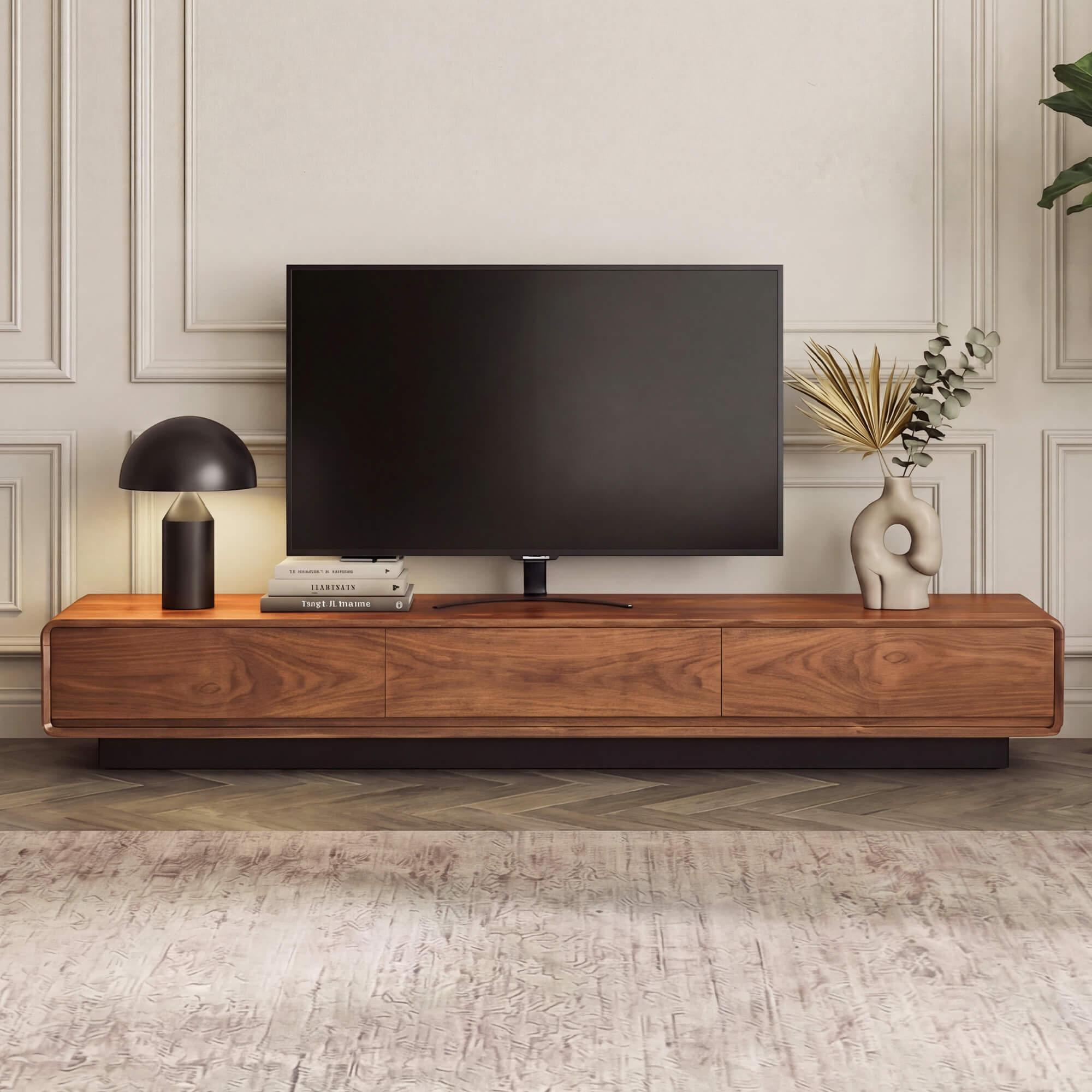
Future-proofing is mostly about leaving room to grow. Screens tend to get larger, soundbars get wider, and a new console arrives every few years. A stand with a few inches of spare width and an adjustable shelf will absorb those changes; one built to the exact dimensions of today’s equipment will be outgrown. If the television may eventually be wall-mounted, choose a low console that still works beneath a floating screen, and plan the cable route to the wall before the mount goes up. A stand that can adapt is the one you will keep, even when the room around it changes.
Details That Keep the Corner Tidy
Even a well-chosen stand needs a few supporting habits. Anchor the unit to the wall if children or pets are in the home, and confirm the television is secure on its base or mounted to the wall above. Keep the top surface mostly clear so it reads as furniture rather than a shelf. Put a small tray or basket inside a drawer for remotes and batteries, and route power strips to a reachable spot so devices can be switched off without crawling behind the unit. Check the weight rating of each shelf and distribute heavy items low.
- Anchor the stand and secure the television.
- Measure device depth before choosing shelf spacing.
- Leave ventilation gaps around consoles and receivers.
- Use grommets or a cable basket to control wires.
- Keep the top surface clear except for the screen and soundbar.
The most overlooked detail is the relationship between the stand and the seating. A beautiful console that is too far from the sofa makes the screen feel small, while one placed too close forces the room into an awkward arrangement. Sketch the layout on paper with the measured dimensions before buying, and leave a comfortable path around the seating. The stand should support the room, not dictate an uncomfortable one.
The Quiet Center of a Well-Ordered Room
A TV stand rarely gets credit for how a living room feels, but it quietly sets the viewing height, absorbs the clutter of daily life, and anchors the corner everyone looks at. Choosing well means measuring the sightline, matching storage to the devices you actually own, and planning for cables and airflow before the first box arrives. Material and finish matter, but they matter less than fit and function. With a low, wide stand and a little discipline about what lives on it, the television area stops being a pile of wires and becomes the calmest part of the room.