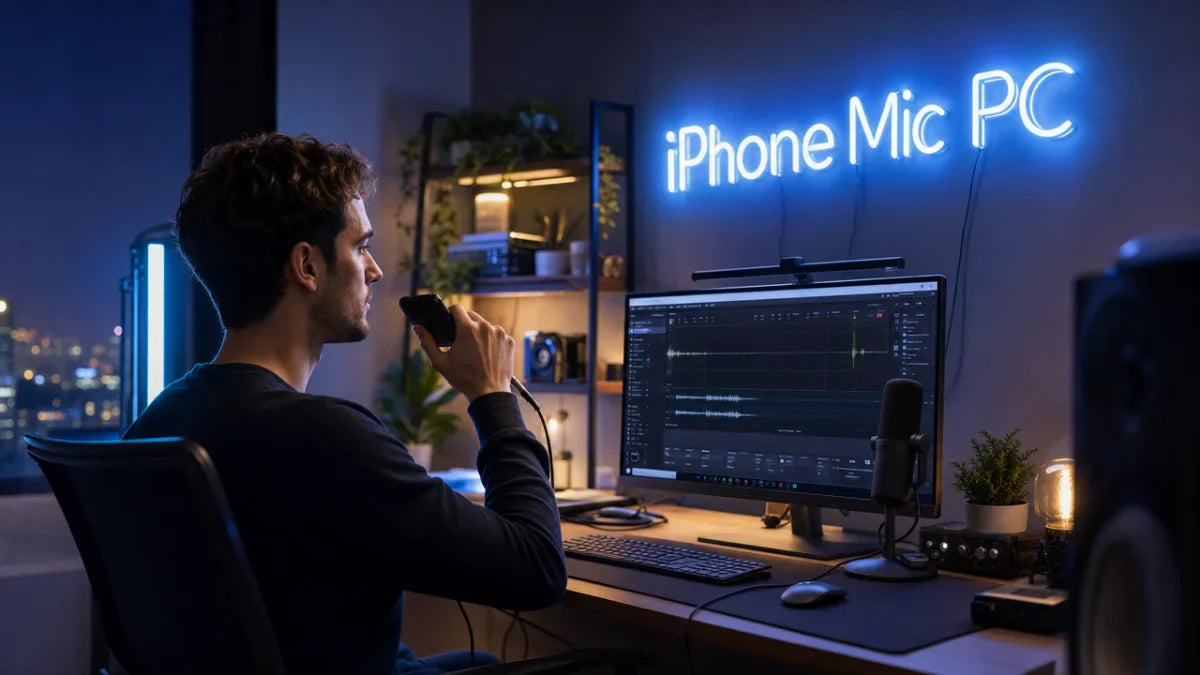
WO Mic para PC is a commonly used search phrase (especially in Spanish-speaking regions) that refers to using WO Mic on a computer (PC). In simple terms, it means turning your smartphone into a microphone for your PC using the WO Mic system.
Instead of buying a physical microphone, users can install an app on their phone and connect it to a Windows computer. This allows the phone to work as a real microphone for calls, gaming, streaming, online classes, and recording.
The phrase “para PC” simply means “for PC,” so WO Mic para PC is all about setting up and using WO Mic on a computer system.
How WO Mic para PC Works
WO Mic para PC works by creating a connection between your smartphone and computer. Your phone captures your voice, and the PC receives it as microphone input.
Here is the simple process:
- Install WO Mic app on your smartphone
- Install WO Mic client and driver on your PC
- Connect both devices using Wi-Fi, USB, or Bluetooth
- Speak into your phone
- Audio is transmitted to your PC in real time
- PC uses it as a normal microphone
This system uses a virtual microphone driver, which makes your computer believe that a real microphone is connected.
Why People Use WO Mic para PC
Many users search for WO Mic para PC because they want a quick and free microphone solution. The main reasons include:
- Broken or missing PC microphone
- Need for a free alternative to headset mic
- Online classes and meetings
- Gaming voice chat
- Streaming and content creation
It is especially popular among students and beginners who don’t want to spend money on audio equipment.
Features of WO Mic para PC
1. Smartphone as a Microphone
The main feature is turning your mobile phone into a working microphone for your PC. Most smartphones have good-quality built-in microphones, making this a practical solution.
2. Multiple Connection Options
WO Mic para PC supports three connection methods:
- Wi-Fi: Wireless and convenient
- USB: Stable and low-latency
- Bluetooth: Easy but slightly slower
3. Real-Time Audio Transmission
Your voice is transmitted instantly from phone to PC with minimal delay, especially when using USB mode.
4. Free to Use
WO Mic is mostly free, making it one of the best budget-friendly audio solutions.
5. Wide Compatibility
It works with:
- Windows PCs
- Android smartphones
- Apps like Zoom, Discord, Skype, OBS Studio
How to Set Up WO Mic para PC
Setting up WO Mic para PC is simple and does not require technical skills.
Step 1: Install Mobile App
Download WO Mic from the Google Play Store or official source. Open it and allow microphone permissions.
Step 2: Install PC Software
Download the WO Mic client on your computer. Also install the required drivers so your PC can detect the virtual microphone.
Step 3: Connect Devices
Choose a connection method:
- Wi-Fi: Connect both devices to same network
- USB: Plug phone into PC using cable
- Bluetooth: Pair both devices
Step 4: Select Microphone Input
Go to sound settings on your PC and select WO Mic as the default microphone.
Advantages of WO Mic para PC
WO Mic para PC offers several benefits:
- No need to buy a microphone
- Easy installation process
- Portable and flexible
- Works on most Windows systems
- Suitable for multiple uses
It is a great solution for users who want quick audio setup.
Limitations of WO Mic para PC
Even though it is useful, it has some limitations:
- Audio quality depends on phone mic
- Wi-Fi mode may cause slight delay
- Requires installation on both devices
- Not ideal for professional recording
Best Use Cases for WO Mic para PC
WO Mic para PC is widely used in different situations:
1. Online Classes
Students use it when their laptop mic is not working.
2. Gaming Communication
Gamers use it for voice chat in games like PUBG, Free Fire, and Valorant.
3. Remote Work
Used in Zoom, Google Meet, and Microsoft Teams meetings.
4. Content Creation
Beginners use it for YouTube voiceovers and podcasts.
WO Mic para PC vs Traditional Microphones
| Feature | WO Mic para PC | Traditional Microphone |
| Cost | Free | Expensive |
| Setup | Easy | Easy |
| Portability | High | Low |
| Audio Quality | Good | Excellent |
| Use Case | Casual | Professional |
Tips to Improve WO Mic para PC Performance
To get better sound quality:
- Use USB connection for stability
- Keep phone close to mouth
- Use quiet environment
- Close background apps
- Ensure stable Wi-Fi if wireless
Conclusion
WO Mic para PC is a simple and effective solution for turning your smartphone into a microphone for your computer. It is widely used because it is free, easy to set up, and compatible with many devices and apps.
While it cannot fully replace professional microphones, it is perfect for students, gamers, and everyday users who need a quick and reliable audio solution without spending money.
FAQs
1. What does WO Mic para PC mean?
It means using WO Mic on a computer to turn your phone into a microphone.
2. Is WO Mic para PC free?
Yes, it is free to use.
3. Can I use WO Mic para PC for gaming?
Yes, especially using USB mode for low latency.
4. Why is WO Mic para PC not working?
It may be due to driver issues or incorrect connection setup.
5. Is WO Mic para PC safe?
Yes, if downloaded from official sources.
