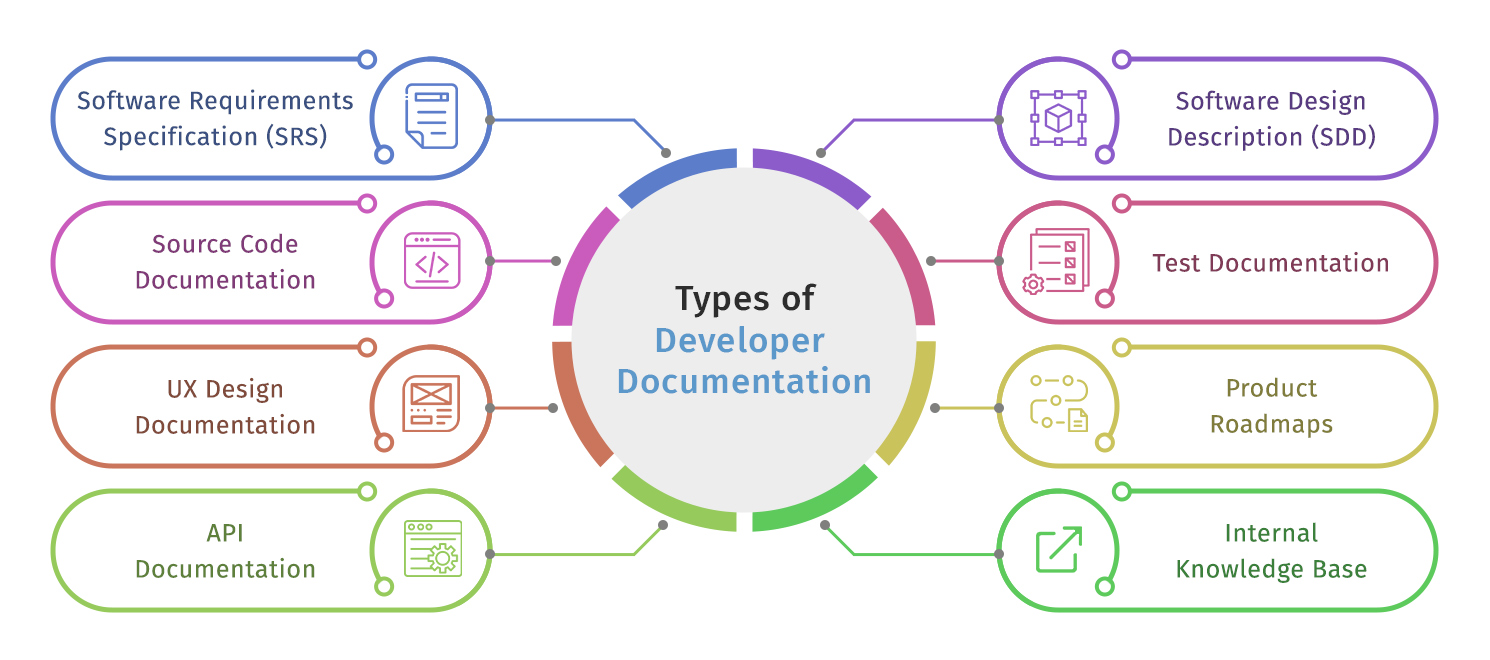
A decade ago, a compiled CHM file and a PDF manual were considered complete, professional product documentation. The bar has moved considerably since. Understanding how the tooling landscape shifted and why certain problems persisted matters for any technical writer, software team, SaaS company, or support team choosing where to invest today.
Word Processor Era and Why It Collapsed
Through the early 2010s, Microsoft Word was the default documentation tool for most software teams. The familiar interface, zero onboarding, and acceptable output for short linear documents made it the path of least resistance.
The ceiling arrived quickly for teams with growing products. There was no topic hierarchy, so large manuals became impossible to manage. Screenshots were static images with no connection to their source, meaning one UI update required manually replacing dozens of files across the document. Teams releasing frequently outgrew Word faster than teams releasing annually, but eventually both did.
The Wiki Wave and Its Ceiling
Confluence and similar wiki platforms arrived as the obvious fix. Browser-based editing, real-time collaboration, and familiar interfaces made adoption fast, particularly in engineering teams already using Atlassian products.
For product documentation, the ceiling was structural. Wikis produced no multi-format output in CHM, PDF, or web help from the same project. Screenshot management was entirely manual. Per-user pricing became a problem. Wikis solved the collaboration problem and created a maintenance problem.
The Docs as Code Moment and Where It Stalled
Docs as Code had become the dominant philosophy by 2010. For API documentation maintained by engineering teams who live in version control, it worked well and still does. For user-facing product documentation, it stalled. Product managers, technical writers, support staff, and business analysts couldn’t participate without Git training. Screenshot management remained entirely manual. CHM output for desktop software help was never part of the stack.
How Dedicated Help Authoring Tools Addressed These Issues
Dedicated developer documentation tools were solving the problems both categories had left unaddressed.
Automated window capture parses UI elements and generates numbered callouts without manual annotation, addressing the screenshot problem. Single-source publishing that generates web help, CHM, PDF, and DOCX simultaneously from one project eliminates format duplication. Topic status tracking with color-coded progress indicators gave teams visibility into documentation readiness without spreadsheets. Collaboration features built around review cycles matched the way documentation teams actually work rather than the way engineering teams do.
Dr.Explain has been in active development since 2005, sitting in this category through every tooling shift. The screenshot automation and multi-format output that other categories never prioritized have been core to the tool.
What Has Never Changed
Through every tooling shift, from Word to wikis, wikis to Docs as Code, Docs as Code to dedicated help authoring tools, the underlying documentation problems have remained consistent. Screenshots go stale faster than teams can update them manually. Documentation written in one format gets requested in three others. Update cycles get skipped because the tooling makes updates more expensive. Nobody owns the review cycle until something breaks publicly.
The tool category matters more than any individual feature. Technical writers, SaaS teams, software developers, and support leads who match the tool category to the documentation type spend less time managing work.