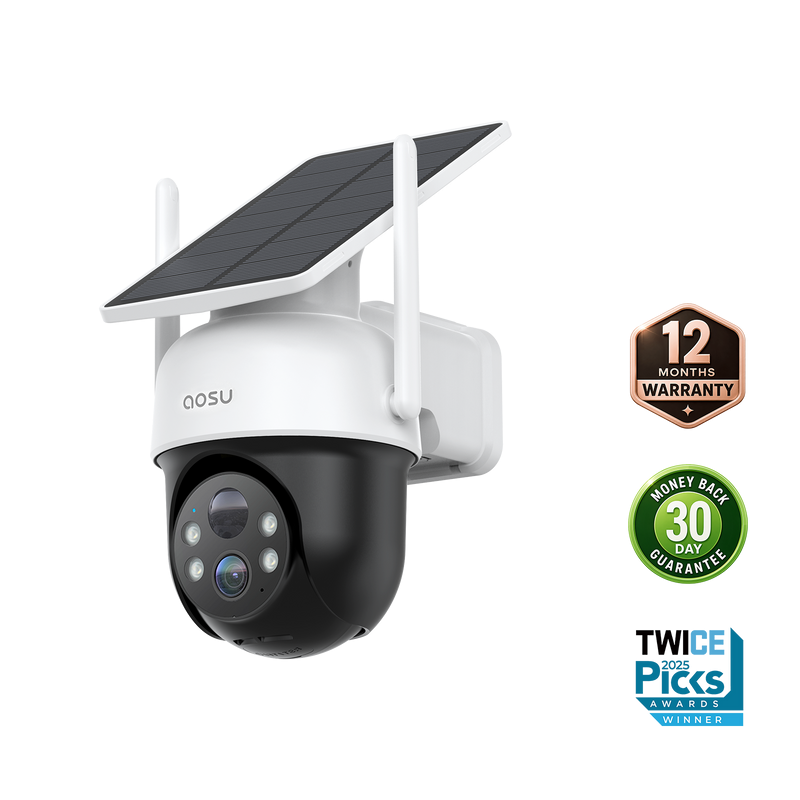
The promise of wireless security cameras is simple: no drilling through walls, no running cable across the yard, no calling an electrician. The reality is sometimes messier. Dropped connections, laggy live views, and cameras that mysteriously go offline overnight are common complaints among first-time buyers who assumed “wireless” meant “hassle-free.”
Most of these problems trace back to a handful of avoidable mistakes: poor router placement, weak signal strength at the mounting location, or simply choosing a camera whose wireless range doesn’t match the property layout. Understanding what actually happens between your camera and your router makes it much easier to build a setup that stays connected reliably.
Why Signal Strength Matters More Than Spec Sheets
Every wireless camera lists a maximum range, but that number is measured in ideal lab conditions, not through brick walls, insulation, or metal siding. A camera rated for a hundred feet of range might struggle at half that distance once it has to pass through two interior walls. Before buying, it helps to test your router’s actual signal strength at the intended mounting spot using a phone, since a weak reading there predicts exactly the kind of connectivity issues you’d get with a camera.
If the signal is marginal, a mesh Wi-Fi extender placed partway between the router and the camera location often solves the problem more effectively than buying a more expensive camera with a supposedly longer range.
Choosing Between 2.4GHz and 5GHz Bands
Most wireless cameras operate on the 2.4GHz band because it travels further through walls than 5GHz, even though 5GHz offers faster speeds at short range. If your camera supports both, 2.4GHz is usually the better choice for anything mounted more than a room or two away from the router, since range matters more than raw bandwidth for a device that’s mostly sending compressed video.
Battery Life Versus Plug-In Reliability
Battery-powered wireless cameras offer the cleanest installation, but they require periodic recharging, and how often depends heavily on recording frequency and video quality settings. A camera set to record everything in the highest resolution will need charging far more often than one using smart motion detection to record only relevant events.
If frequent recharging sounds inconvenient, look at models offering solar charging add-ons or simply plan the mounting location near an outdoor outlet, which removes the battery question entirely while keeping the wireless data connection. Many buyers researching wireless security cameras underestimate how much recording settings affect battery drain until they’ve lived with a unit for a few weeks.
Storage Options and What They Mean for You
Cloud storage subscriptions add an ongoing cost but offer off-site backup if the camera itself is stolen or damaged. Local storage via an SD card or hub avoids monthly fees but ties your footage to physical hardware that could be tampered with. Weighing this tradeoff against your budget and risk tolerance is worth doing before you’re locked into an ecosystem.
Setting Up Multiple Cameras Without Overloading Your Network
Adding several wireless cameras to one router can strain bandwidth, especially if they’re all streaming continuously. Staggering recording schedules, or choosing cameras that only transmit high-resolution footage when motion is detected, keeps the network responsive for everything else in the house, from streaming video to video calls happening at the same time.
Firmware Updates and Long-Term Security
Wireless cameras connect to the internet, which means they need occasional firmware updates to patch security vulnerabilities. Choosing a brand that pushes updates automatically, rather than requiring manual downloads, reduces the chance of running an outdated and potentially exploitable device for months without noticing.
Getting Wireless Cameras That Actually Stay Connected
A dependable wireless camera setup comes down to matching the equipment to your home’s actual wireless environment, not just picking the model with the biggest advertised range. Testing signal strength, choosing the right frequency band, and thinking through storage and power tradeoffs upfront will save you the frustration of a camera that drops offline exactly when you need it most.
With a bit of planning around placement and network capacity, wireless coverage can be just as reliable as a wired system, minus the installation headaches. Take the time to get the fundamentals right, and the rest of the setup falls into place easily.